No photoshoot, minutes not days
Studio-grade catalogs without a studio.
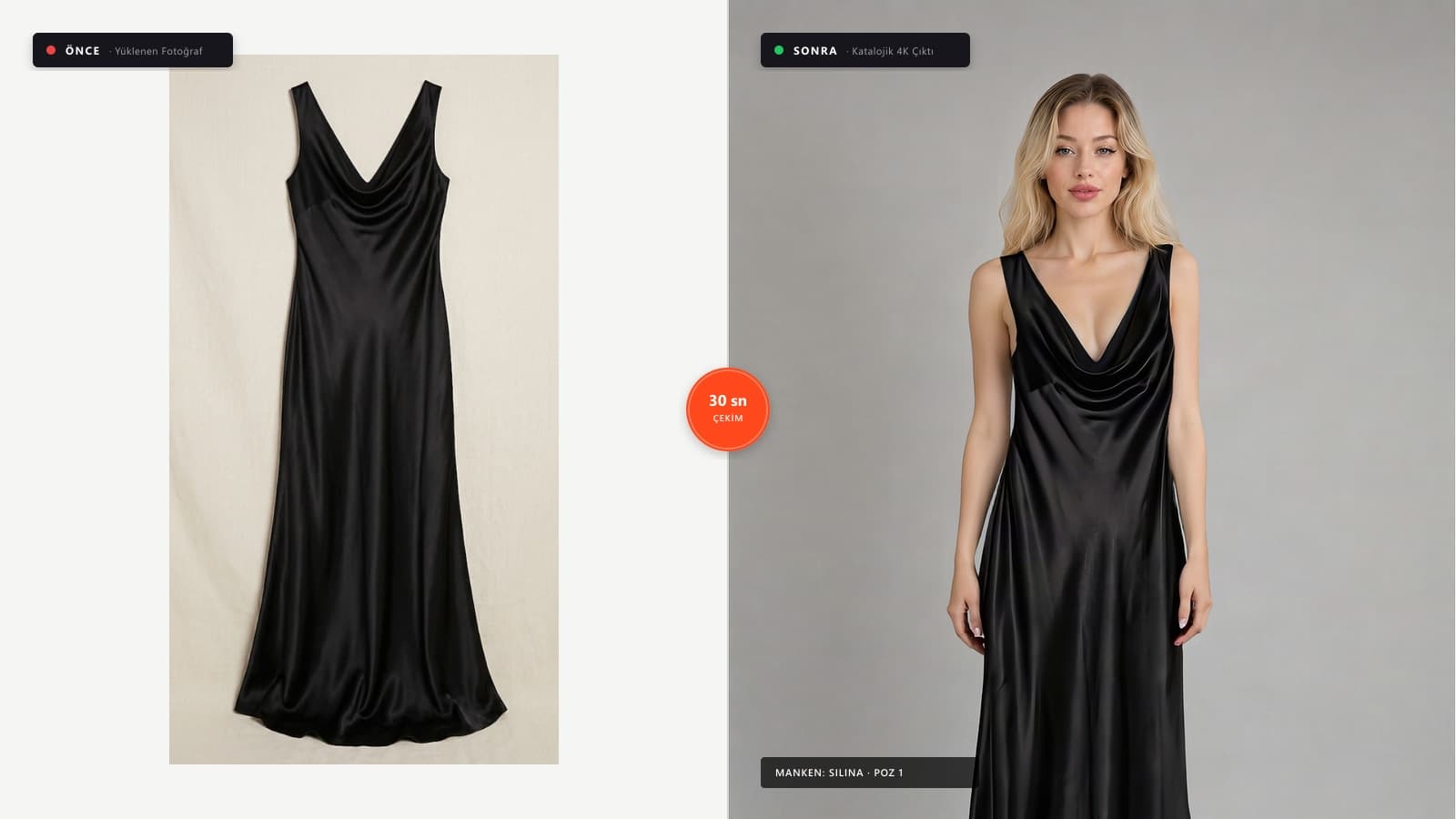
Upload your product photo, choose a virtual model. Our virtual try-on technology preserves fabric texture and drape with high fidelity — studio quality, in seconds.
Before → After
Shoot with your phone, transform into a catalog in 30 seconds.
No studio, model, or photographer cost. Upload, select model, download 4K.
4K
Resolution
30 sec
Generation Time
100+
Studio Poses
₺0
Studio Cost
Start with 10 Free Credits
Upload your own garment, see the quality for yourself.
Studio, model, photographer, retouching. Four budget lines — or a single upload.
Planning a collection shoot takes days: studio booking, casting agency, shooting day, then retouching. Adding a single new product means setting up the entire process all over again.
Here, all you need is the product photo. AI-generated photography isn't tied to a shoot calendar: use the same virtual model across your entire collection and publish mid-season drops the same day.
How it works
- 01
Upload your product
Flat lay, hanger, ghost mannequin, or phone photo. JPG or PNG up to 25 MB. No need to remove the background yourself.
- 02
Select a virtual model
Choose from 12 diverse studio models with multiple poses, or create 3D ghost mannequin renders.
- 03
Download in marketplace format
Generations finish in seconds. Download in 1-click for Trendyol, Amazon, Etsy, Shopify, or in original 4K resolution.
Models
12 models · 22 poses · all included
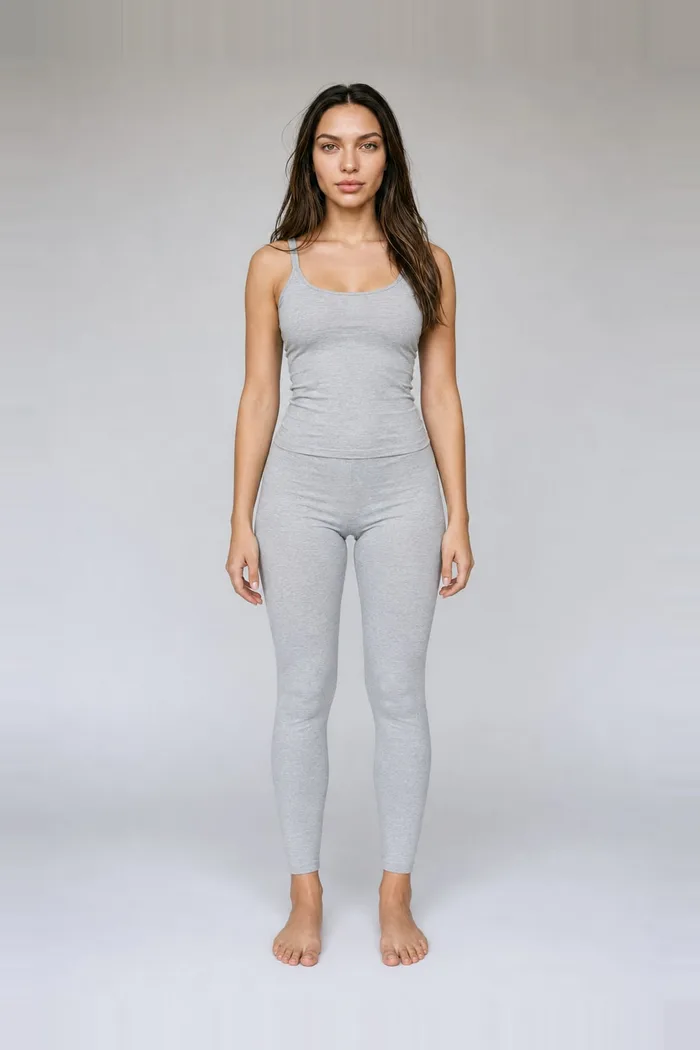
Jilina
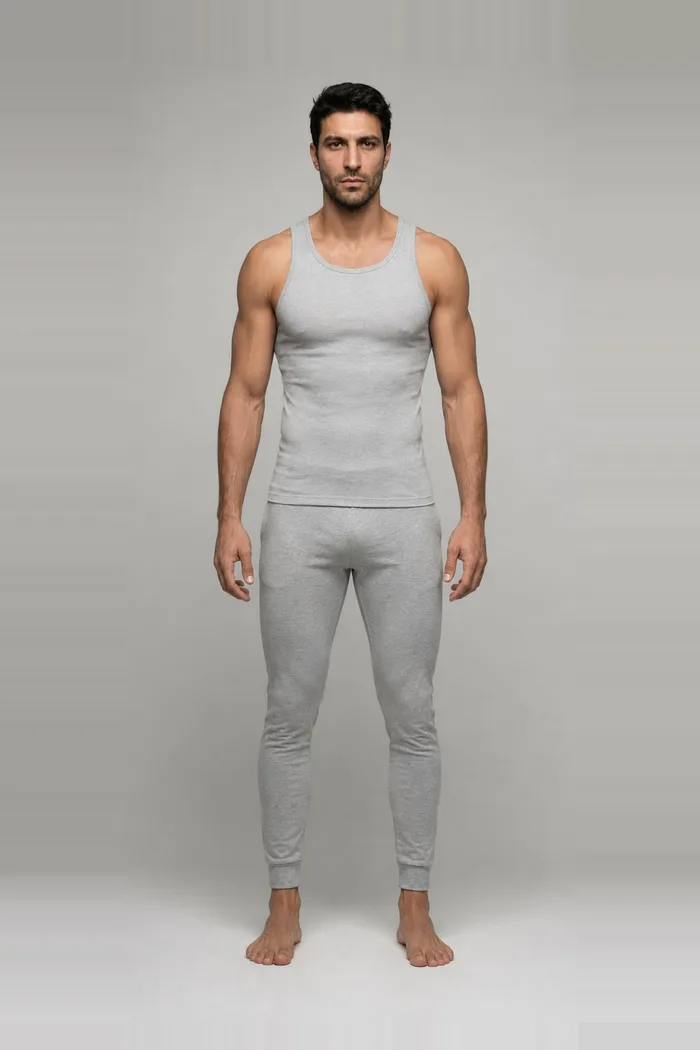
Kimas
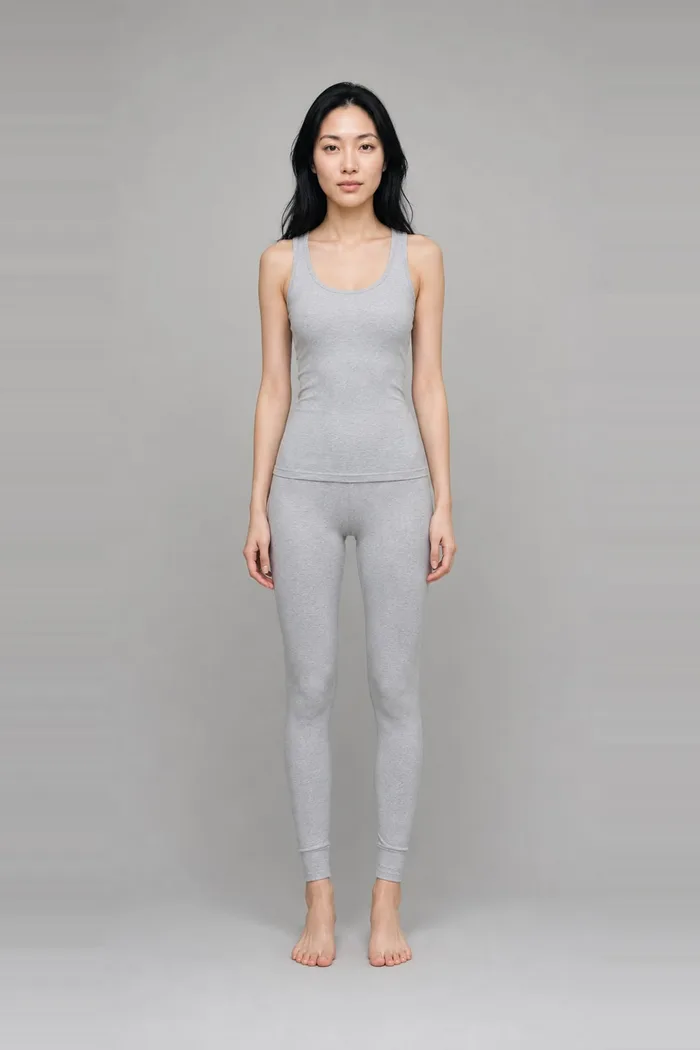
Kim
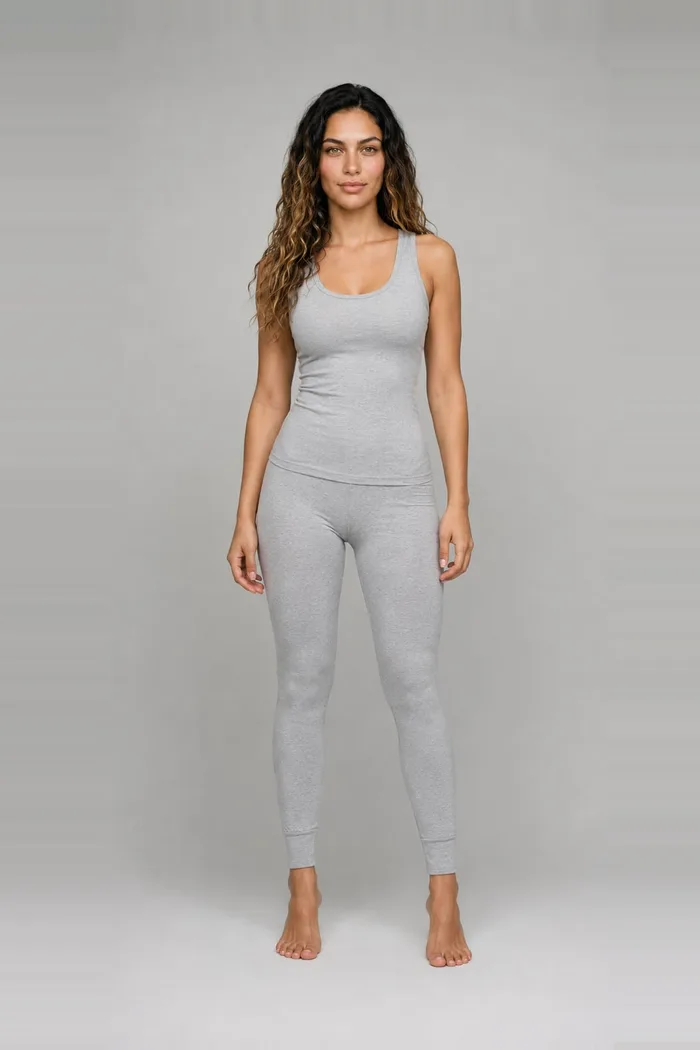
Rolna
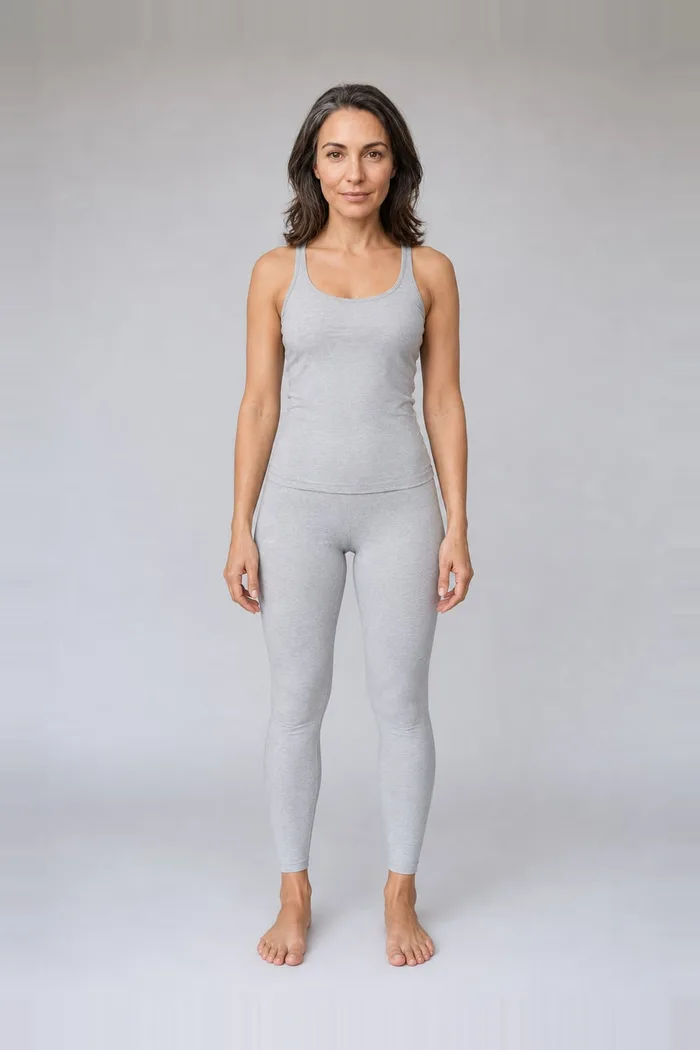
Futuma
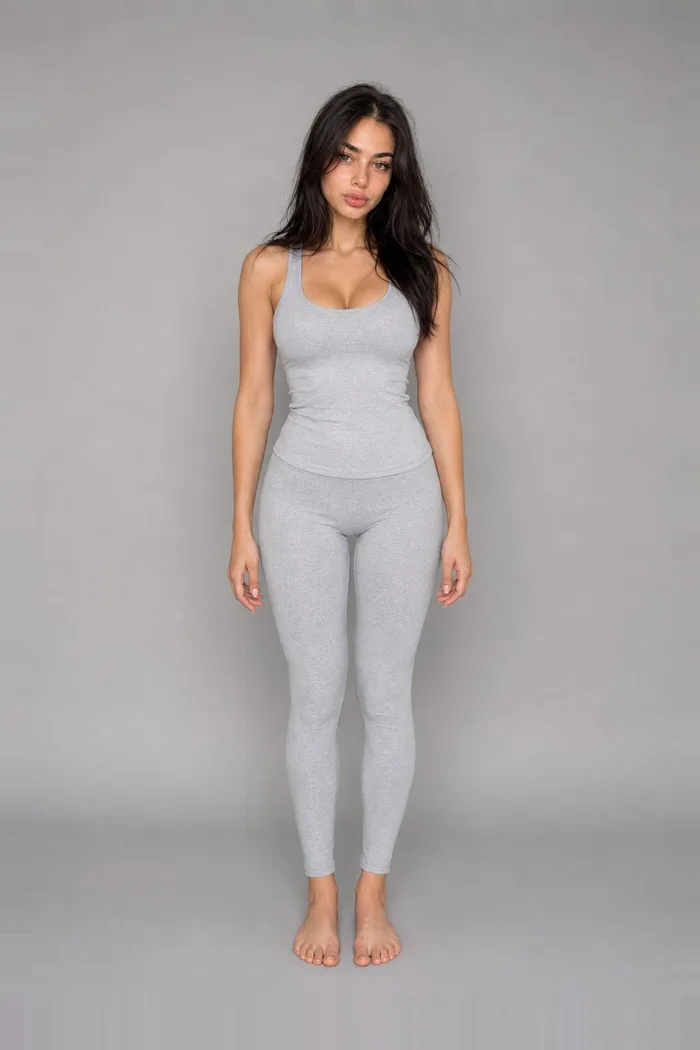
Selin
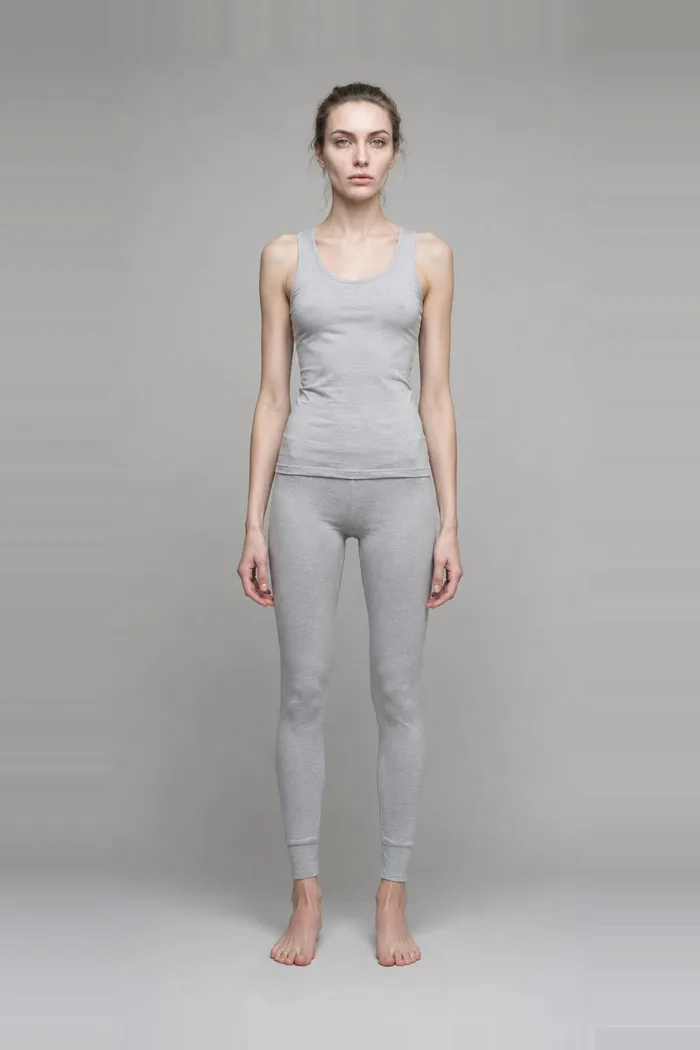
Polyana
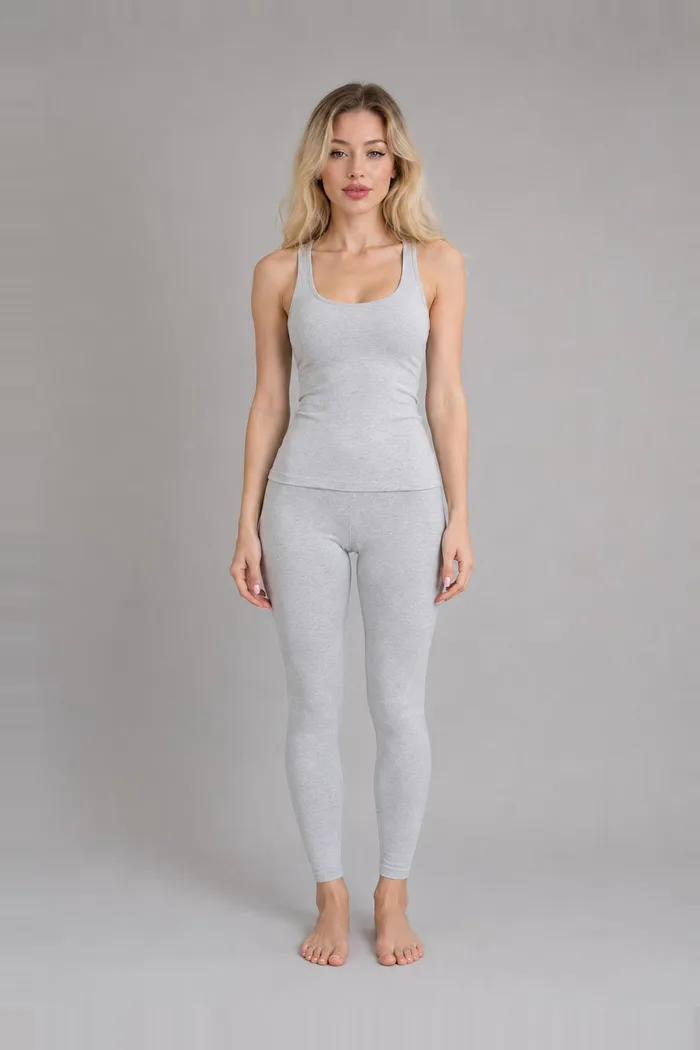
Silina
Why this works
Fashion e-commerce returns sit at 25% (NRF, 2025). Much of that comes down to buying fabric, fit and drape the customer never actually saw. Virtual try-on closes this gap — by showing exactly how your product looks on a model before the sale, you directly reduce returns and increase conversion.
Pricing
No subscription, and credits never expire. Volume scaling drives your unit cost down to $0.60 per catalog item.
Quality guarantee
If a generation fails for any technical reason, credits are refunded automatically to your balance.
- Garment try-on
- 5 credits
- 3D Ghost Mannequin (3 Poses)
- 10 credits
- Jewelry
- 5 credits
Frequently asked questions
How accurate is the generated image to my actual product?
Silhouette, cut, drape, and primary colour tones are faithfully preserved on the model. Solid fabrics, standard fits, and clean colour blocks achieve flawless 4K studio quality. For detailed photoshoot tips and best practices, check our Catalog Guide.
What kind of source photo should I upload?
Flat lay, hanger, mannequin, or smartphone photo — all work cleanly. Full visibility of the garment and bright ambient lighting produce the best results. Background removal is done automatically.
Do I own commercial rights to the generated images?
Yes. The generated images are completely yours to use on your web store, social media, catalogs, and paid advertisements with zero royalty fees. You can export directly into marketplace formats (Trendyol, Amazon, Shopify, Etsy).
How much does this save compared to a traditional photoshoot?
Traditional photoshoot setups cost thousands of dollars and weeks of production time. With Katalojik, you generate 4K studio catalog shots in 30 seconds at a fraction of the cost.
How does the credit system work — is it a subscription?
No subscription required. You buy a credit pack when you need it and credits never expire. A garment try-on costs 5 credits, a ghost mannequin shot costs 10, and a jewelry shot costs 5. A 50-credit pack ($10 / 580 ₺) yields 10 garment try-ons. New signups receive 10 free credits to test without a credit card.
Does jewelry geometry (stones, prongs) stay accurate?
Yes. Our jewelry product shot pipeline uses pixel-preserving segmentation and compositing. Gemstone cuts, prongs, and metal luster are preserved 1:1 from your original image without generative hallucination.
What happens if a generation fails?
Credits are restored automatically. If a generation fails due to a technical issue, the refund is processed immediately at the database level.